
Bulk Domain Checker for Cross-TLD Research
Research the same name across domain extensions.
Enter a keyword or a list of domains to compare public registration records and, when available, Ahrefs Domain Rating. Shortlist domains for further research, then visit registered domains to assess their websites and business relevance.
Research the Same Name Across Domain Extensions
A bulk domain checker helps you examine a name as a family of domains rather than one isolated address. Enter a keyword, choose the extensions that matter to your project, and compare the resulting names together. You can also paste several keywords or complete domain names. Each submitted search can contain at most 20 resulting domains, so begin with a focused group instead of trying to scan every ending.
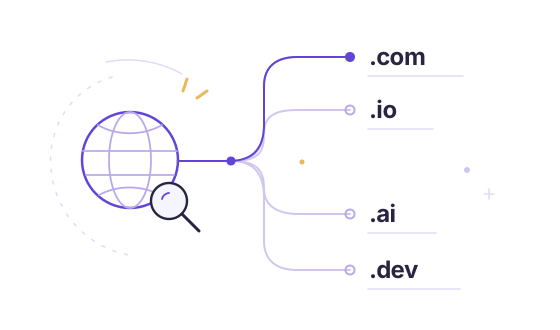
For example, compare a root across .com, .io, .ai and .app before deciding where to investigate next. This multi TLD domain search checks your selected combinations. It does not discover every competitor or confirm that a website is active. The same spelling can belong to unrelated organisations, and different spellings can belong to close competitors.
Compare Registration Details and Available Ahrefs DR
Use the bulk domain checker to collect observations, then decide what needs investigation. Registration information, backlink strength and business relevance answer different questions. A registered domain may have no working website; a high score does not establish customer demand or product quality.
Registration Records and Domain Dates
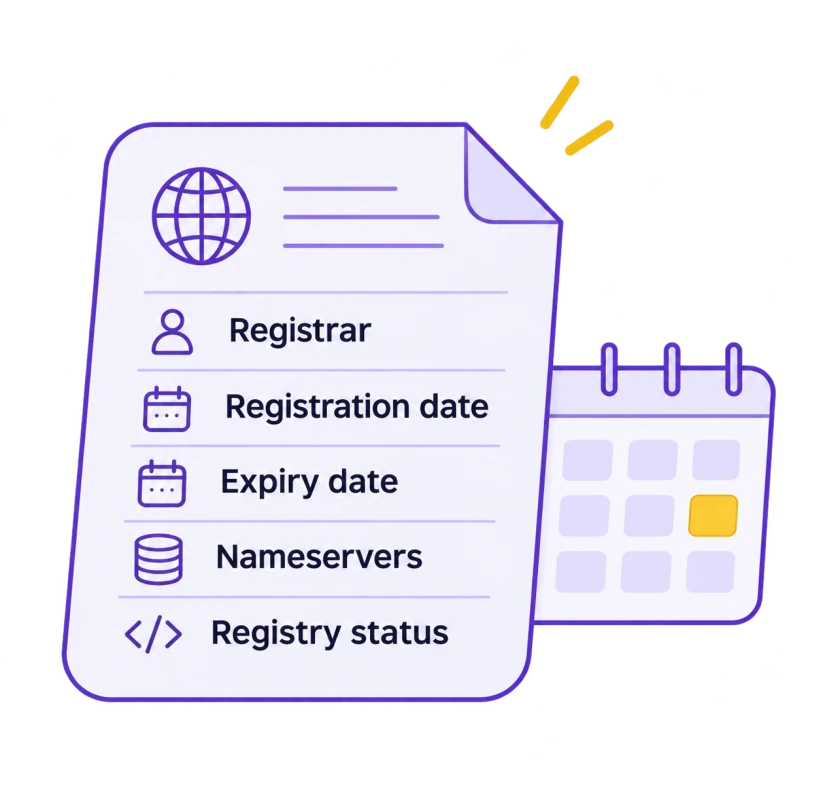
A returned record may include the registrar, registration and expiry dates, nameservers and registry status codes. These fields depend on what the source publishes. A creation date describes the current registration record, not necessarily the launch of the website or its earliest historical use.
Ahrefs Domain Rating
When the integration is configured, Ahrefs Domain Rating loads separately from registration records. DR describes relative backlink profile strength on a 0–100 scale. It is not a Google score, a traffic estimate or evidence that two websites serve the same market. Check several known domains directly with the dedicated comparison tool.
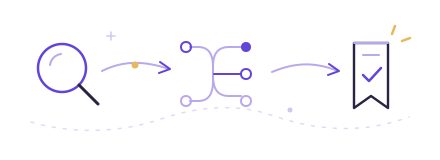
Save Domains for Further Research
Save candidate names in this browser and revisit them when your research is clearer. The registration CSV includes recorded status, source and check time; the separate DR tool exports its own scores. Saving a name does not reserve it, and observations should be checked again before an important decision.
How to Research a Domain Family
- Start with one exact root and a small set of relevant extensions. Run a bulk domain search, then read the returned registration information before following external website links.
- A registered name is a research candidate, not an automatically verified competitor. Open the site yourself and inspect its product, audience, language and business model. Record the reason it matters to your project.
- Next, compare available scores with the same questions in mind. A newer specialist site may be more relevant than an established domain in another industry.
- Use the bulk domain checker to organise the initial investigation, not to replace it. Separate the domains worth exploring from names you may want to register, because these lead to different next steps.
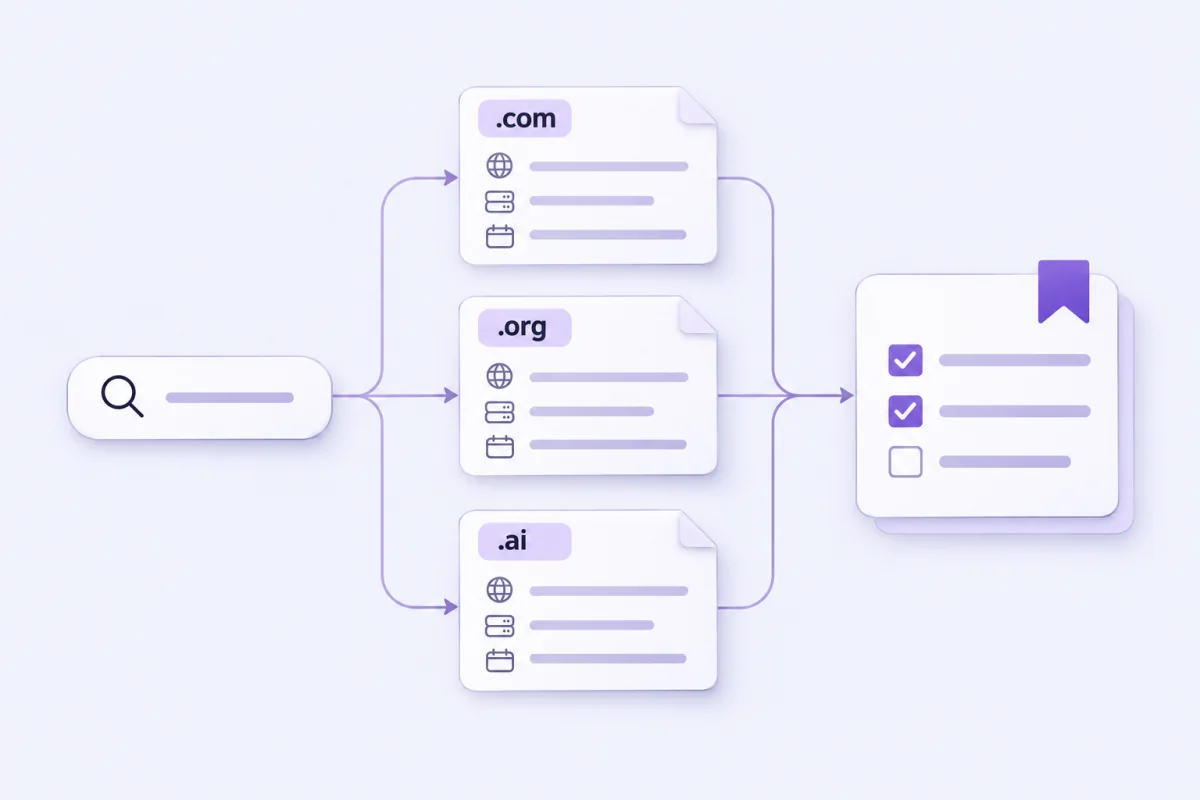
Understand Each Domain Lookup Result
Registered means the source returned a registration record. No record found means the lookup did not return one; it does not rule out reserved names, policy restrictions or other registration conditions. Unknown means the lookup could not establish an outcome, for example because a service was unsupported, limited or unavailable. Missing DNS information is never converted into a registration claim.
Review the source and observation time alongside the result. Our bulk domain lookup can reuse recent observations to avoid unnecessary upstream requests, and available DR may be cached for up to 24 hours. Read the data methodology when comparing results from different tools, and confirm any purchase decision with a registrar.
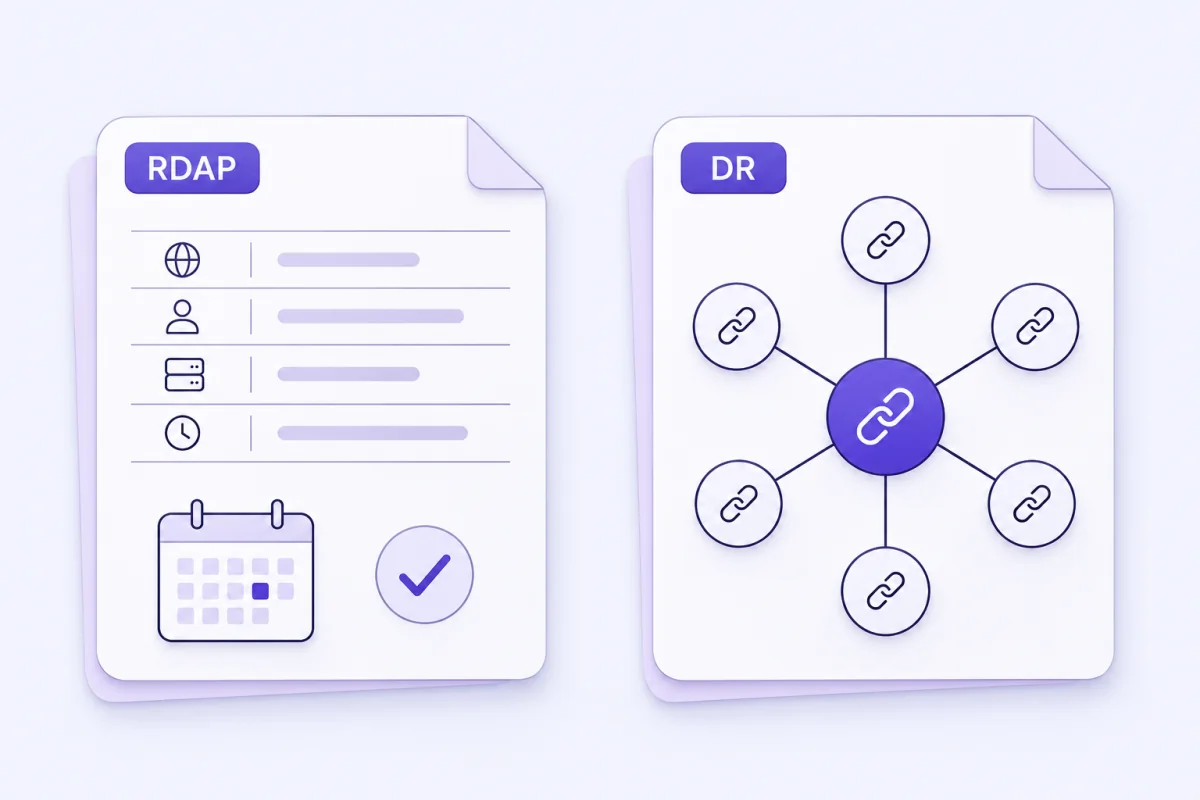
Practical Domain Research Guides
Explore all research guidesBulk Domain Search Questions
Understand the result before deciding what to investigate or register next.
Data & methodologyThe bulk domain checker requests public registration records for the selected names. A returned record means registered; no record found is not a purchase guarantee. When configured, Ahrefs DR loads independently. Website activity and business relevance still need your own investigation.
Yes. Enter a keyword and select the endings you want, or paste several keywords or complete domains. The submitted combinations are limited to 20 resulting domains per search. Some endings have no supported public RDAP or WHOIS service, so their result can remain unknown.
No. A registration record does not establish that a website is online or that it offers a similar product. Visit the site, review its audience and product, and record why it is relevant. A shared name or a high DR is only a lead for further research.
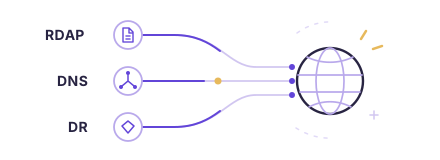
Both relate to registration information. RDAP returns structured data and has been ICANN’s definitive source for gTLD registration information since 28 January 2025. Country-code coverage can differ, and personal details may be redacted. Our WHOIS page explains the fields and their limits.
Saved names stay in this browser’s local storage. They are not synced across devices or reserved for you. Registration exports include recorded fields, source and check time. Recheck a saved name before acting on it; a shortlist is not a continuously monitored availability report.
Domain Aha does not sell, register or reserve domains. Use a registrar to confirm current purchase eligibility, registration and renewal terms, then complete registration there. Neither a search result nor an item saved in this browser gives ownership of a domain.
Available DR comes from the configured Ahrefs integration and may be cached for up to 24 hours; read the score’s observation time. Traffic estimates and backlink counts are not supplied. Use the independent DR tool to compare and export scores for an existing domain list.
A source may be unsupported, rate-limited, unavailable or inconclusive. Unknown is kept separate from no record found and never treated as proof that a name is free. Retry later or check with the registry or registrar when the outcome matters.